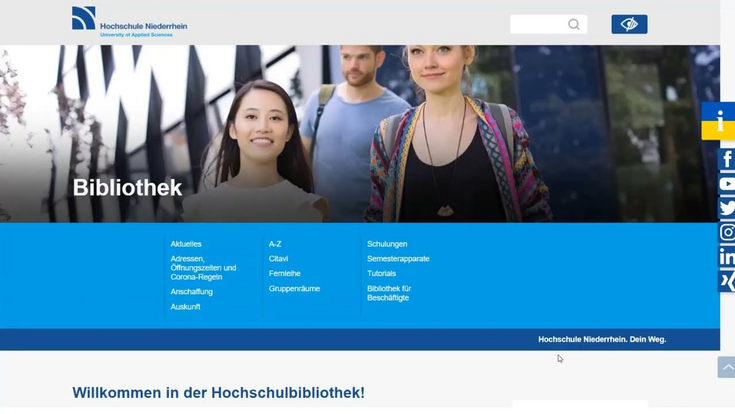
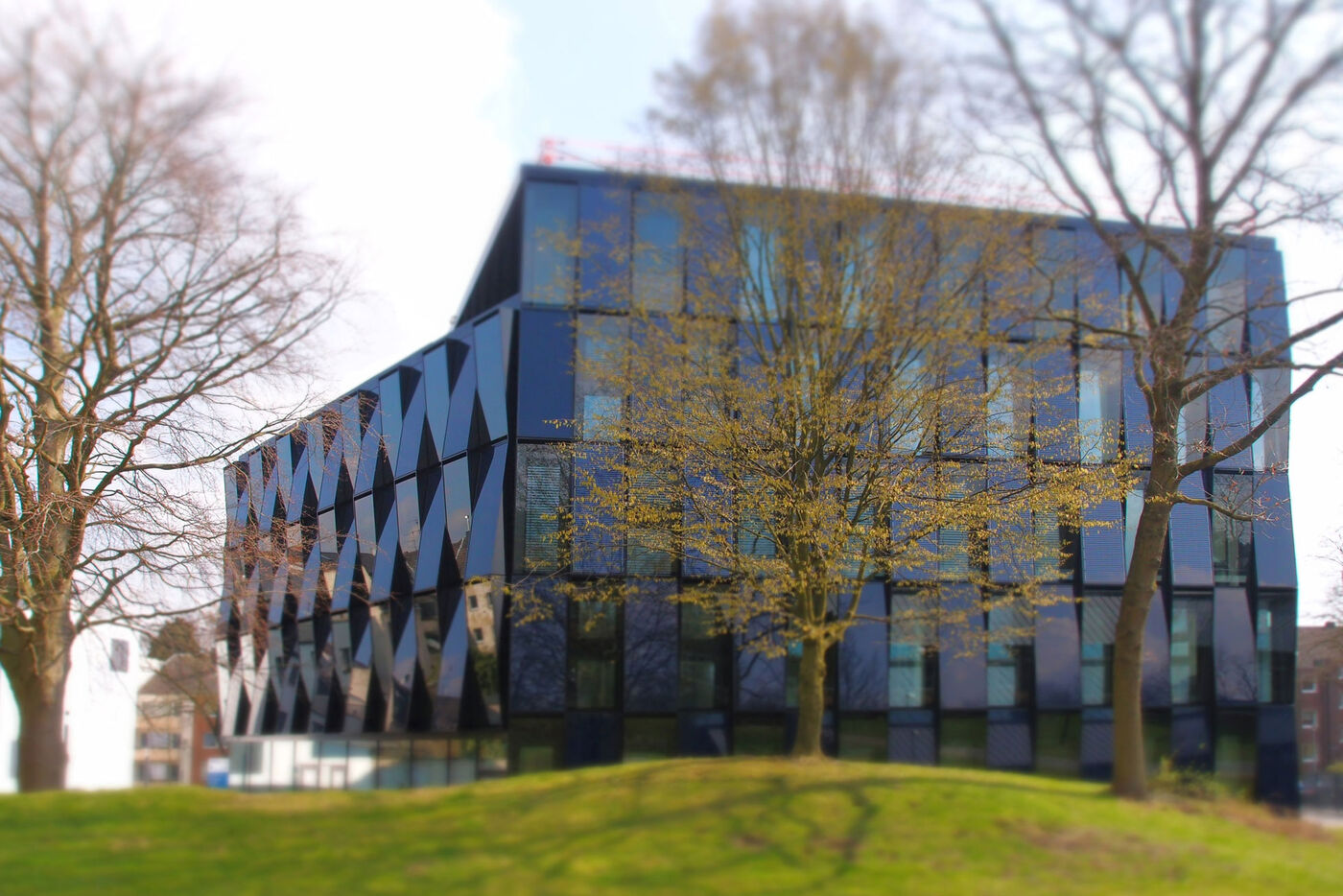
HSNR Gebäude

Library training sessions

Hochschule Niederrhein. Your way.

Looking for academic literature, managing your references, or have questions about using the library or your library account?

If you have any questions at all, please feel free to get in touch.


If you’re a student:

We’re here to help you make the most of our extensive range of printed and digital resources. You’ll find various guides and tutorials on this page.

Please feel free to book personal consultation hours with us if you need help with research or using the library’s services. You can find further information here.


You work at the university:

You can use our training programmes to complement your teaching content in lectures and seminars.

If you would like to incorporate a training session into your course or attend Consultation hours, please arrange an appointment with the training team.


Auskunft Bibliothek

An introduction to the library

Are you new to the university? If so, we’ve got something here that might interest you.

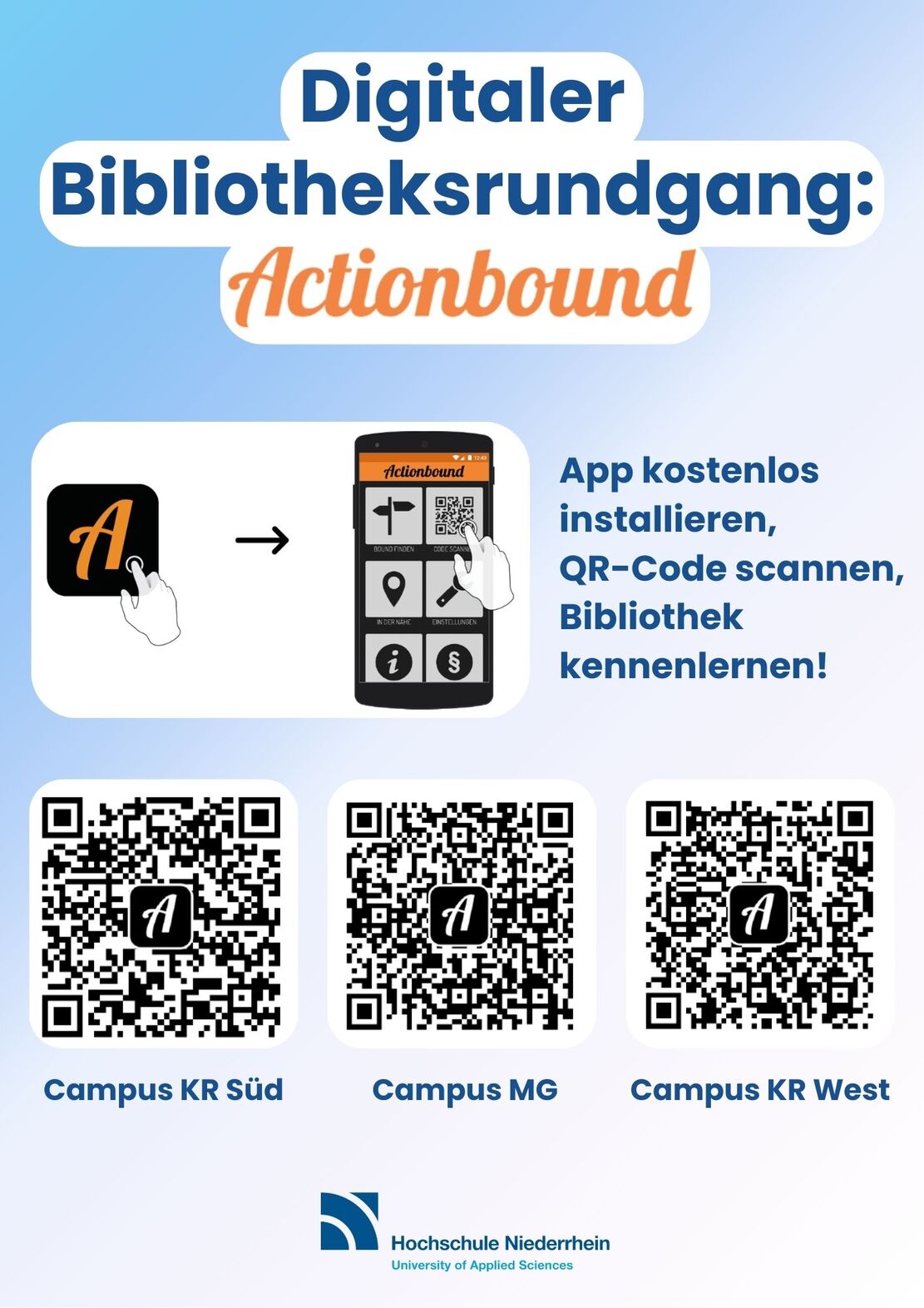
Actionbound

Explore the Library with our free Actionbound. 
Get to know the library’s main areas and services in around 20 minutes. The digital tour guides you step by step through the rooms, explains key services and shows you where to find everything.

All you need is a smartphone running iOS or Android and the “Actionbound” app. Do you have any questions? Please feel free to get in touch. You can find the relevant Actionbound tour for the library of your choice under Digital Library Tour with Actionbound.

Guided tour

We offer guided tours of the library to help visitors find their way around.

Target groups:
People with no prior knowledge of the library’s services, e.g. first-semester students, FAUST students, student assistants, tutors, university visitors, new university staff and other library users.

Content:
An introduction to the library’s premises and services, e.g. opening hours, contact persons, registration, borrowing, loan periods, internet and Office PCs, reference collection, journals, course reserves.

Dates:
available at any time

Duration:
approx. 15 minutes

Meeting point:
service desk at any campus library

Alternatively:
Explore the library at your own pace and take part in our free digital library treasure hunt with Actionbound.

Citavi and Zotero workshop via Zoom

Citavi is a Windows-based software programme for reference management, knowledge organisation and work planning. Citavi supports you through every stage of your work, from research, through the acquisition and management of sources and the editing of their content, right through to the production of an academic publication. Use Citavi for individual projects or for working in teams.

Citavi runs on Windows. If you are currently using Windows 10 S, you will need to disable S mode in order to use Citavi to its full extent. You can only use Citavi on a Mac if you use a so-called virtualisation solution.

Before you can use the programme, you must register using your university email address. Please register before the start of the course at https://www.citavi.com.

 

We recommend that you do not switch from Citavi 6 to Citavi 7 whilst working on an ongoing project.

 

Zotero is available free of charge and can be used as a desktop application on macOS, Linux and Windows operating systems. Zotero is an open-source application that allows you to collect and organise literature, information, notes and related documents. Zotero also helps you with citing sources and automatically generates your reference list.


Would you prefer to learn on your own?

We also offer our Citavi and Zotero courses as Moodle courses.

Dates, venue and registration

When: 
Once a month.

Registration: 
Registration for both courses is via HIO: https://hio.hs-niederrhein.de
You can find the university library's events under: programmes – view programmes – University Library

Where: 
The session will take place via the Zoom web conferencing tool.

The meeting details for the Citavi and Zotero courses:
https://hs-niederrhein.zoom.us/j/65775212837
Meeting ID: 657 7521 2837
Access code/password: 843951

Maximum of 50 participants.

Duration:
approx. 60–90 minutes

What is taught?

Target audience:
People with advanced knowledge of library use who wish to manage literature and information and organize knowledge and tasks relating to a specific topic. Ideally, they will have already attended the basic and advanced courses (usually students from the third semester onwards and exam candidates).

Content:
Participants will learn how to insert a reference or a quotation into their text using their preferred citation style. By the end of the course, they will be able to search for literature, manage bibliographic details, collect and organize quotations, generate footnotes and reference lists and organise tasks.

Format:
Presentation of the programme, followed by an opportunity to ask questions.

Learning objective:
Students will gain an initial insight into the relevant programme.

"All About term paper": Workshop via Zoom

In the workshop "All About term paper", you’ll receive tips and tricks on writing term papers and theses. Among other things, we’ll show you useful information on time management and the library itself. We’ll also explain how to carry out literature searches, use the interlibrary loan service, access databases and make acquisition suggestions, so that you can make the most of the library for your term paper or thesis.

Dates, venue and registration

When:
approx. twice per semester

Registration:
Registration is via HIO: https://hio.hs-niederrhein.de
You can find the university library's events under: programmes – view programmes – University Library

Where:
The presentation will take place via the Zoom web conferencing tool.

Meeting details for the course:
https://hs-niederrhein.zoom.us/j/68771927295

Meeting details:
Meeting ID: 687 7192 7295
Access code/password: 264219

Maximum of 50 participants.

Duration:
approx. 90–120 minutes

What is to be taught?

Target audience:
Students at the Hochschule Niederrhein (all semesters).

Content and learning objectives:
Participants will receive information on writing term papers and theses. Tips on time management and advice on how to make the most of the library will be provided. Participants will also receive information on literature research and the general evaluation of sources. However, no liability or guarantee is accepted for the accuracy, timeliness or completeness of the information. Please discuss these matters with your supervisors.

Format: 
Presentation of the workshop, followed by an opportunity to ask questions.

"Compact Library": A series of talks via Zoom

Making the most of the library’s services is the key to academic success. 
Once a month, the library hosts a 20-minute ‘Coffee Lecture’, offering a concise introduction to the library’s services and the chance to find out more about its in-depth resources. The aim is to provide practical tips for academic work with a strong practical orientation.

Dates, venue and registration

Dates:
September 29, 2026 Discovering the library through play
October 27, 2026 Completely at a loss – who can help me?
November 24, 2026 Researching beyond Google
December 15, 2026 Literature research with AI
January 26, 2027 Citing correctly and avoiding plagiarism
February 23, 2027 Accessing literature – what options are there?

When: 
every last Tuesday of the month at 4.30 p.m.

Registration: 
No prior registration is required; simply join the session at the specified time.

Where: 
The presentation will take place via the Zoom web conferencing tool.

Meeting details for the courses:
https://hs-niederrhein.zoom.us/j/68771927295

Meeting details:
Meeting ID: 654 719 9810
Access code/password: 700504

Maximum of 50 participants.

Duration:
approx. 20–30 minutes

What is to be taught?

Target audience:
Students and staff at the Hochschule Niederrhein (all semesters).

Content:
“Library in a Nutshell” helps you find the right strategies for academic work. The sessions break down the often complex processes of information retrieval and source management into essentials. Step by step, you’ll be equipped with the necessary tools to overcome typical hurdles in the writing process and find the right points of contact and people to turn to at any time.

Format:
Presentation of the lecture, followed by an opportunity to ask questions.

Library: Basics

Are you new to the library? Are you just starting your studies?

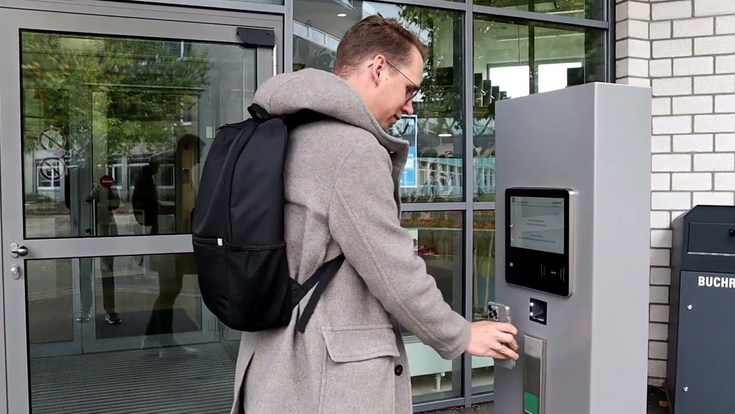
This course will give you an initial introduction. You’ll learn about the library as a service facility, as well as the basics of using ‘DigiBib’, your library account and the self-check-out system.


Registration

When and where:
Whenever you like! Complete our courses online at any time.

You can find the Moodle courses at https://moodle.hsnr.de/ → Courses → Library

or directly here: https://moodle.hsnr.de/course/view.php?id=11180

Registration:
Enrollment code: BIB_GK


What is taught?

Target audience:
Students at the Hochschule Niederrhein. Primarily new students and anyone who has not yet used the library.

Content:
Participants will learn how to navigate the library’s website, what services the library offers, how to borrow resources and how to use their library account. They will also learn how to search for materials in the DigiBib and locate them on the shelves, how to order materials in various ways and much more.

https://moodle.hsnr.de/course/section.php?id=151833

Don’t worry about plagiarism!

Don’t worry about plagiarism! An introduction to academic work

Academic work can be challenging. This course offers ten interactive self-study modules that guide you through the foundation course in good academic practice. Learn how to avoid plagiarism and cite sources correctly to perfect your academic writing.


Registration

When and where:
Whenever you like! Complete our courses online at any time.

You can find the Moodle courses at https://moodle.hsnr.de/ → Courses → Library

or directly here: https://moodle.hsnr.de/course/view.php?id=10330

Registration:
Enrollment code: KAvP!

What is taught?

Target audience:
Students at the Hochschule Niederrhein. Primarily those with advanced knowledge of library use who are writing an academic paper. Ideally, they will have already completed the basic course (usually students from the third semester onwards and those preparing for their final exams).

Content:
Over ten modules, participants will learn how to cite academic works correctly, minimise the risk of plagiarism and improve their writing skills.

Keine Angst vor Plagiaten, eine Einführung in das wissenschaftliche Arbeiten

Library: Managing your bibliography with Zotero

Here you will learn the foundation course in reference management with Zotero and how to import your references into your word processor. We will also show you what to bear in mind when installing Zotero.

Zotero is available free of charge and can be used as a desktop application on macOS, Linux and Windows operating systems.


Registration

When and where:
Whenever you like! Complete our courses online at any time.

You can find the Moodle courses at https://moodle.hsnr.de/ → Courses → Library

or directly here: https://moodle.hsnr.de/course/view.php?id=11173

Registration:
Enrollment code: BIB_LZ

What is taught?

Target audience:
Students at the Hochschule Niederrhein. Primarily those with advanced knowledge of library use who wish to manage literature and information and organize knowledge and tasks relating to a specific topic. Ideally, they will have already completed the basic course (usually students from the third semester onwards and those preparing for their final examinations).

Content:
Participants will learn how to insert a reference or a citation into their text using their preferred citation style. They will be able to search for literature, manage bibliographic details, collect and organize citations, generate footnotes and reference lists and organize tasks.

Literaturverwaltung leicht gemacht: Bibliothek: Literaturverwaltung mit Zotero

Library: Managing your bibliography with Citavi

Here you will learn the foundation course in reference management with Citavi and how to import your references into your word processing programme. We will also show you what to bear in mind when installing Citavi.

Citavi is Windows-based software. Using your university email address, you can register at https://www.citavi.com and use the university licence. You can find further information on the university licence in the section ‘Reference management with Citavi and Zotero’.

Sign up for Citavi 6

When and where:
Whenever you like! Complete our courses online at any time.

You can find the Moodle courses at https://moodle.hsnr.de/ → Courses → Library

or directly here: https://moodle.hsnr.de/course/view.php?id=11173

Registration:
Enrollment key: BIB_LC

Sign up for Citavi 7

We recommend that you do not switch from Citavi 6 to Citavi 7 whilst a project is in progress.


When and where:
Whenever you like! Complete our courses online at any time.

You can find the Moodle courses at https://moodle.hsnr.de/ → Courses → Library

or directly here: https://moodle.hsnr.de/course/view.php?id=12507

Registration:
Enrollment code: BIB_LC7

What is taught?

Target audience:
Students at the Hochschule Niederrhein. Primarily those with advanced knowledge of library use who wish to manage literature and information and organize knowledge and tasks relating to a specific topic. Ideally, they will have already completed the basic course (usually students from the third semester onwards and those preparing for their final exams).

Content:
Participants will learn how to insert a reference or a citation into their text using their preferred citation style. They will be able to search for literature, manage bibliographic details, collect and organize citations, generate footnotes and reference lists and organize tasks.

One-to-one consultation hours

Do you need support with literature research, help with citation software or tips for your
research strategy? Book a personal appointment here (approx. 45–60 minutes).

Please note that we are here to offer assistance, but we do not compile bibliographies or similar documents for you.

Request for consultation hour

Auskunft Bibliothek

Use of the library

Are you new to the library and not sure how to find a book on the shelf or what your library account is for? If so, have a look at our tutorials on using the library.

Here is a YouTube video. Click on it to watch. The data protection regulations of google apply!
How does the library work?
Here is a YouTube video. Click on it to watch. The data protection regulations of google apply!
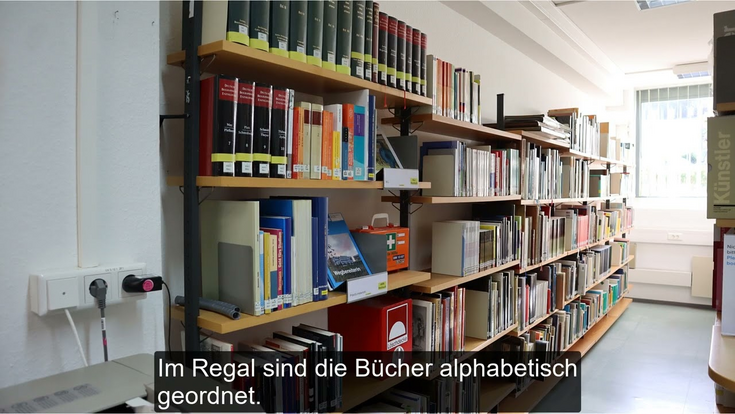
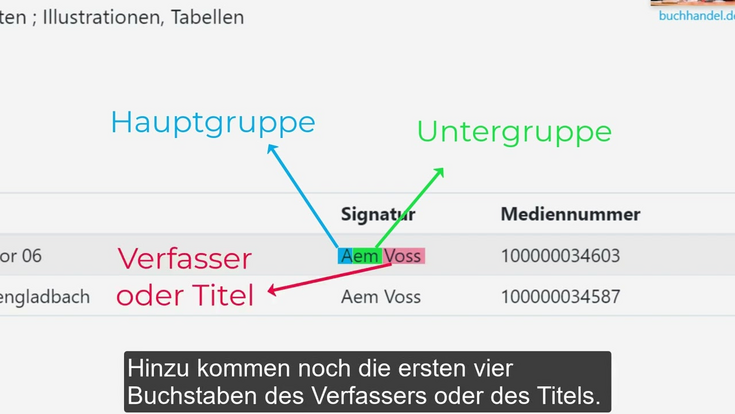
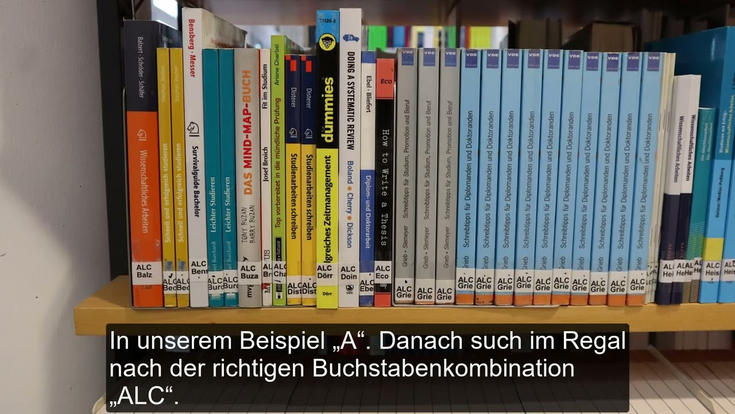
How do I find a book on the shelf? - Campus Krefeld West
Here is a YouTube video. Click on it to watch. The data protection regulations of google apply!
How does the library account work?
Here is a YouTube video. Click on it to watch. The data protection regulations of google apply!
How do I use the Open Library in Krefeld South?
Here is a YouTube video. Click on it to watch. The data protection regulations of google apply!
How do I find a book on the shelf? - Campus Mönchengladbach
Here is a YouTube video. Click on it to watch. The data protection regulations of google apply!
How do I find a book on the shelf? - Campus Krefeld South

Research

Here are a few video tutorials on the topic of research.

Here is a YouTube video. Click on it to watch. The data protection regulations of google apply!
How do I find e-books?
Here is a YouTube video. Click on it to watch. The data protection regulations of google apply!
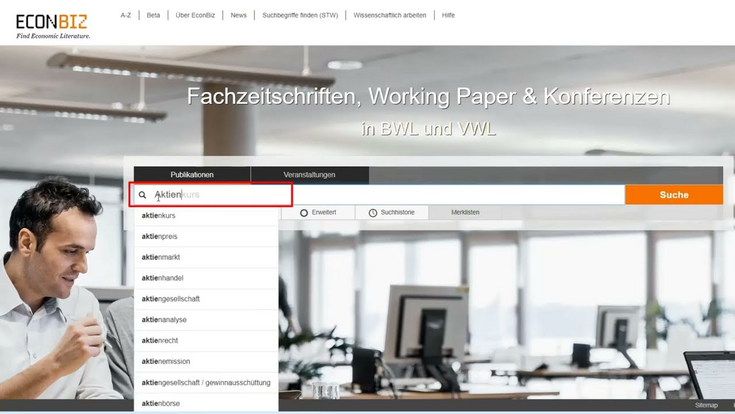
How does the Econbiz database work?
Here is a YouTube video. Click on it to watch. The data protection regulations of google apply!
How does Citavi work?
Here is a YouTube video. Click on it to watch. The data protection regulations of google apply!
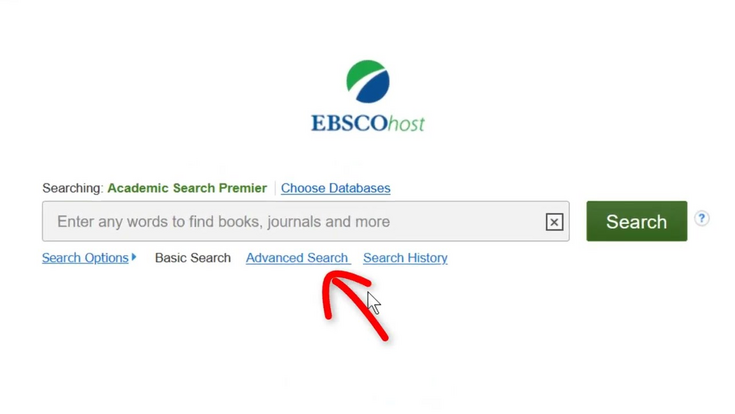
How does the Ebsco Academic Search Premier database work?
Here is a YouTube video. Click on it to watch. The data protection regulations of google apply!
How does catalogue searching work?
Here is a YouTube video. Click on it to watch. The data protection regulations of google apply!
How do you log in to databases?

Acquisition and Interlibrary Loans

If a resource is not available in the library, you can either suggest it for purchase or request it via interlibrary loan. Further information on purchase suggestions and interlibrary loans can be found on our website.

Here is a YouTube video. Click on it to watch. The data protection regulations of google apply!
How does the interlibrary loan service work?
Consulting
Accessibility