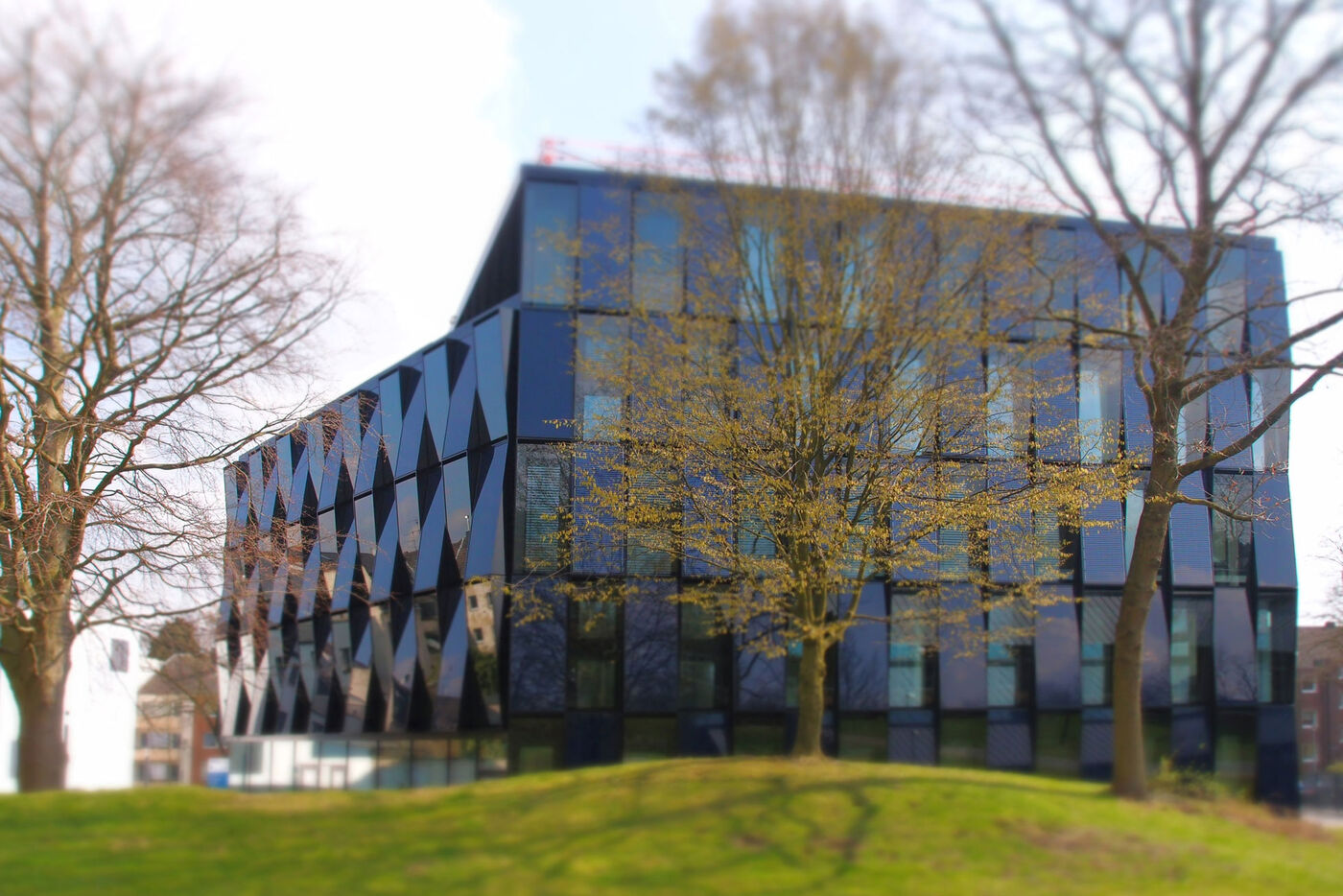
HSNR Gebäude

Library training sessions

Hochschule Niederrhein. Your way.

Looking for academic literature, managing your references, or have questions about using the library or your library account?

If you have any questions at all, please feel free to get in touch.


If you’re a student:

We’re here to help you make the most of our extensive range of printed and digital resources. You’ll find various guides and tutorials on this page.

Please feel free to arrange personal consultation hours with us if you need help with research or using the library’s services. You can find further information here.


You work at the university:

You can use our training programmes to complement your teaching content in lectures and seminars.

If you would like to incorporate a training session into your course or attend Consultation hours, please arrange an appointment with the training team.


Auskunft Bibliothek

Getting started in the library

Are you new to the university? If so, we have something here that might interest you.

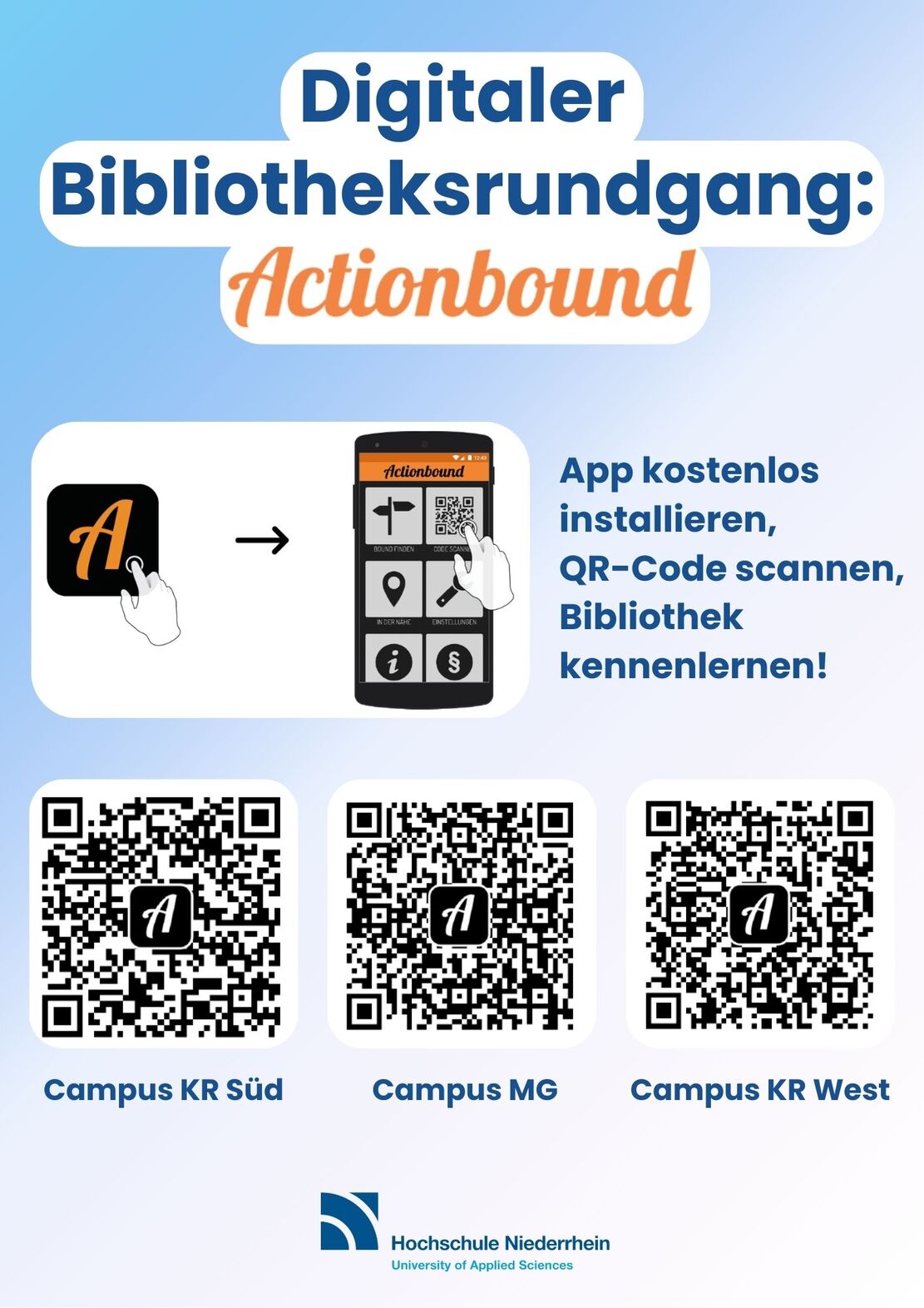
Actionbound

Explore the library with our free Actionbound.
Get to know the library’s main areas and services in around 20 minutes. The digital tour guides you step by step through the rooms, explains key services and shows you where to find everything.

All you need is a smartphone running iOS or Android and the “Actionbound” app. Do you have any questions? Please feel free to get in touch. You can find the relevant Actionbound for the library of your choice under Digital Library Rally with Actionbound.

Guided tour

We offer guided tours of the library to help visitors find their way around.

Target groups:
People with no prior knowledge of the library’s services, e.g. first-semester students, FAUST students, student assistants, tutors, university visitors, new university staff, and other library users.

Content:
An introduction to the library’s premises and services, e.g. opening hours, contact persons, registration, borrowing, loan periods, internet and Office PCs, reference collection, journals, course reserves.

Dates:
available at any time

Duration:
approx. 15 minutes

Meeting point:
service desk at any campus library

Alternatively:
Explore the library at your own pace and take part in our free digital library treasure hunt with Actionbound.

Citavi and Zotero workshop via Zoom

Citavi is a Windows-based software programme for reference management, knowledge organisation and work planning. Citavi supports you through every stage of your work, from research, through the acquisition and management of sources and the editing of their content, right through to the production of an academic publication. Use Citavi for individual projects or for working in teams.

Citavi runs on Windows. If you are currently using Windows 10 S, you will need to disable S mode in order to use Citavi to its full extent. You can only use Citavi on a Mac if you use a so-called virtualisation solution.

Before you can use the programme, you must register using your university email address. Please register before the start of the course at https://www.citavi.com.


We recommend that you do not switch from Citavi 6 to Citavi 7 whilst working on an ongoing project.


Zotero is available free of charge and can be used as a desktop application on macOS, Linux and Windows operating systems. Zotero is an open-source application that allows you to collect and organise literature, information, notes and related documents. Zotero also helps you with citing sources and automatically generates your reference list.


Would you prefer to learn on your own?

We also offer our Citavi and Zotero courses as Moodle courses.

"All About Housework": Workshop via Zoom

In the workshop ‘All About Academic Writing’, you’ll receive tips and tricks on writing term papers and theses. Among other things, we’ll show you useful information on time management and the library itself. We’ll also explain how to carry out literature searches, use the interlibrary loan service, access databases and make acquisition suggestions, so that you can make the most of the library for your term paper or thesis.

‘Library Compact’: A series of talks via Zoom

Making the most of the library’s resources is the key to academic success.
Once a month, the library organises a 20-minute ‘Coffee Lecture’, offering a concise introduction to the library’s services and the opportunity to find out more about its in-depth resources. The aim is to provide practical tips for academic work with a strong practical orientation.

Library: Introductory Course

Are you new to the library? Are you just starting your studies?

This course will help you find your feet. You’ll get to know the library as a service facility, as well as learn the basics of using ‘DigiBib’, your library account and the self-check-out system.

Library: Basics

Are you new to the library? Are you just starting your studies?

This course will help you find your way around. You’ll learn about the library as a service facility, as well as the basics of using ‘DigiBib’, your library account and the self-service machines.

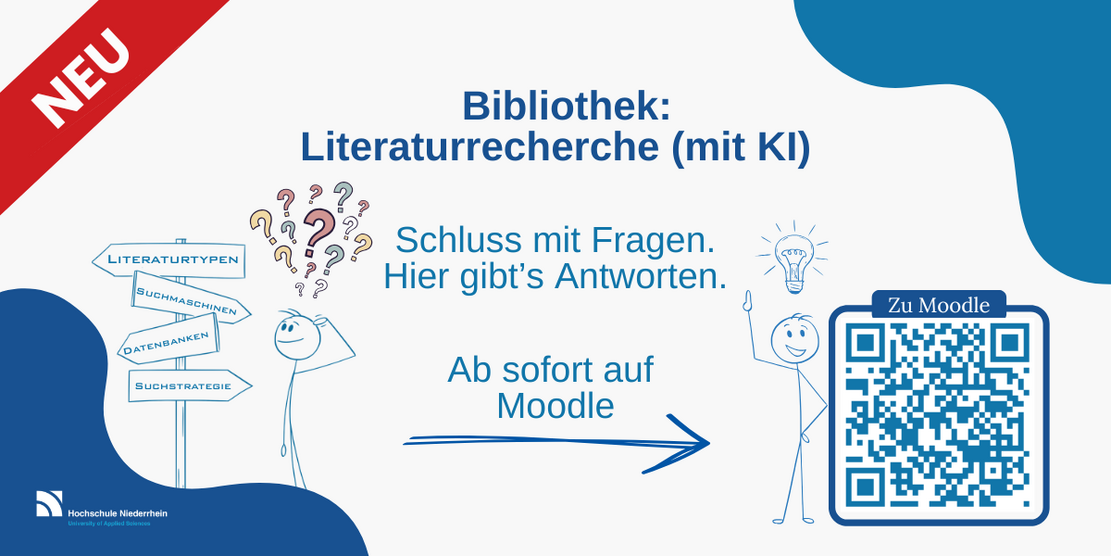
Library: Literature search (using AI)

Are you in the process of writing a term paper or your thesis?

This course will give you an insight into academic literature research.
You’ll learn how to get started with your search, which types of literature are suitable for your work, how to evaluate sources, how to optimise your search, and many more tips and tricks.

Keine Angst vor Plagiaten, eine Einführung in das wissenschaftliche Arbeiten

Don’t worry about plagiarism!

Don’t be afraid of plagiarism! An introduction to academic work

Academic work can be challenging. This course offers ten interactive self-study modules that guide you through the foundation course in good academic practice. Learn how to avoid plagiarism and cite sources correctly to perfect your academic writing.

Literaturverwaltung leicht gemacht: Bibliothek: Literaturverwaltung mit Zotero

Library: Reference management with Zotero

Here you will learn the foundation course in reference management with Zotero and how to import your references into your word processing programme. We will also show you what to bear in mind when installing Zotero.

Zotero is available free of charge and can be used as a desktop application on macOS, Linux and Windows operating systems.

Library: Reference management with Citavi

Here you will learn the foundation course in reference management with Citavi and how to import your references into your word processing programme. We will also show you what to bear in mind when installing Citavi.

Citavi is Windows-based software. Using your university email address, you can register at https://www.citavi.com and use the university licence. You can find more information about the university licence in the section ‘Reference management with Citavi and Zotero’.

Personal consultation hours

Do you need support with literature research, help with citation software or advice on your
research strategy? Book a personal appointment here (approx. 45–60 minutes).

Please note that whilst we are happy to offer assistance, we do not compile bibliographies or similar documents for you.

Request for consultation hours

Use of the library

Are you new to the library and not sure how to find a book on the shelf or what your library account is for? If so, have a look at our tutorials on using the library.

Here is a YouTube video. Click on it to watch. The data protection regulations of google apply!
How does the library work?
Here is a YouTube video. Click on it to watch. The data protection regulations of google apply!
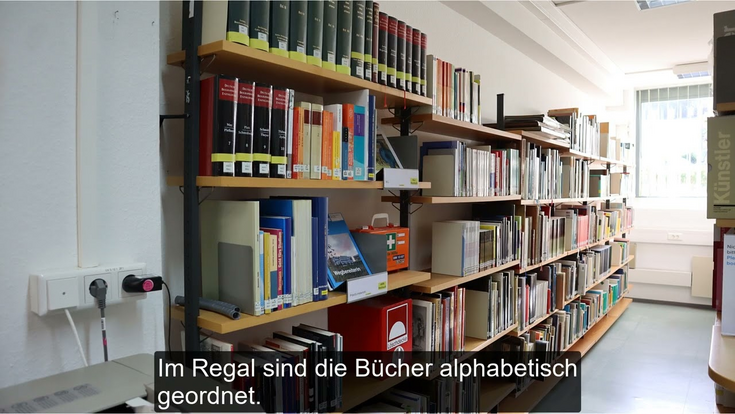
How do I find a book on the shelf? - Campus Krefeld West
Here is a YouTube video. Click on it to watch. The data protection regulations of google apply!
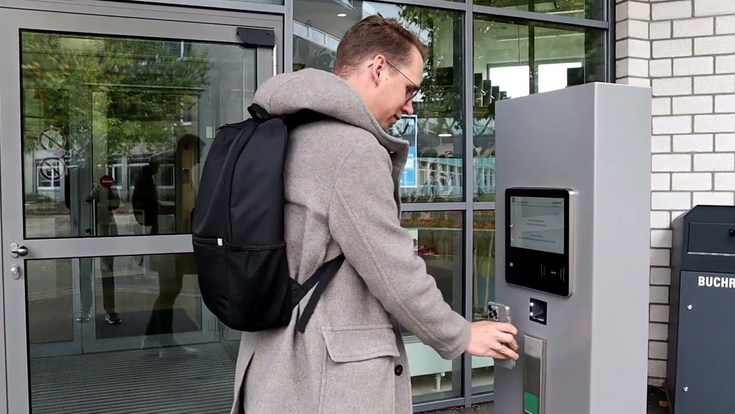
How does the library account work?
Here is a YouTube video. Click on it to watch. The data protection regulations of google apply!
How do I use the Open Library in Krefeld South?

Research

The video tutorials on research show you how to search specifically for different types of media and topics, how various databases work, and how to manage your results.

Here is a YouTube video. Click on it to watch. The data protection regulations of google apply!
How do I find e-books?
Here is a YouTube video. Click on it to watch. The data protection regulations of google apply!
How do you log in to databases?
Here is a YouTube video. Click on it to watch. The data protection regulations of google apply!
How does Citavi work?
Here is a YouTube video. Click on it to watch. The data protection regulations of google apply!
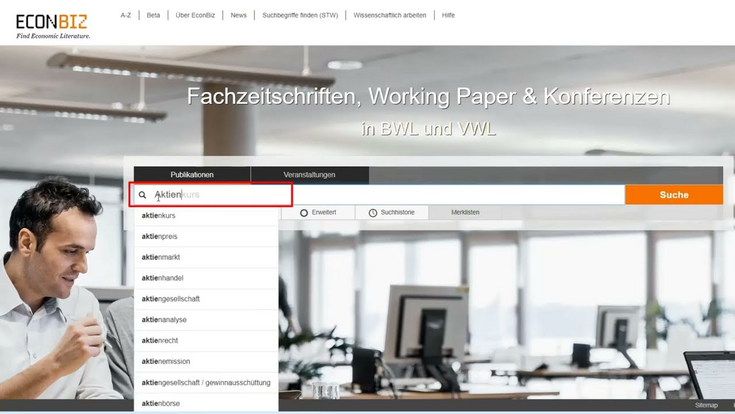
How does the Econbiz database work?

Acquisition and Interlibrary Loans

If a resource is not available in the library, you can either suggest that it be purchased or order it via interlibrary loan. Further information on purchase suggestions and interlibrary loans can be found on our website.

Here is a YouTube video. Click on it to watch. The data protection regulations of google apply!
How does the interlibrary loan service work?
Consulting
Accessibility

HSNR Chatbot